
Twitter (X) GIF Downloader
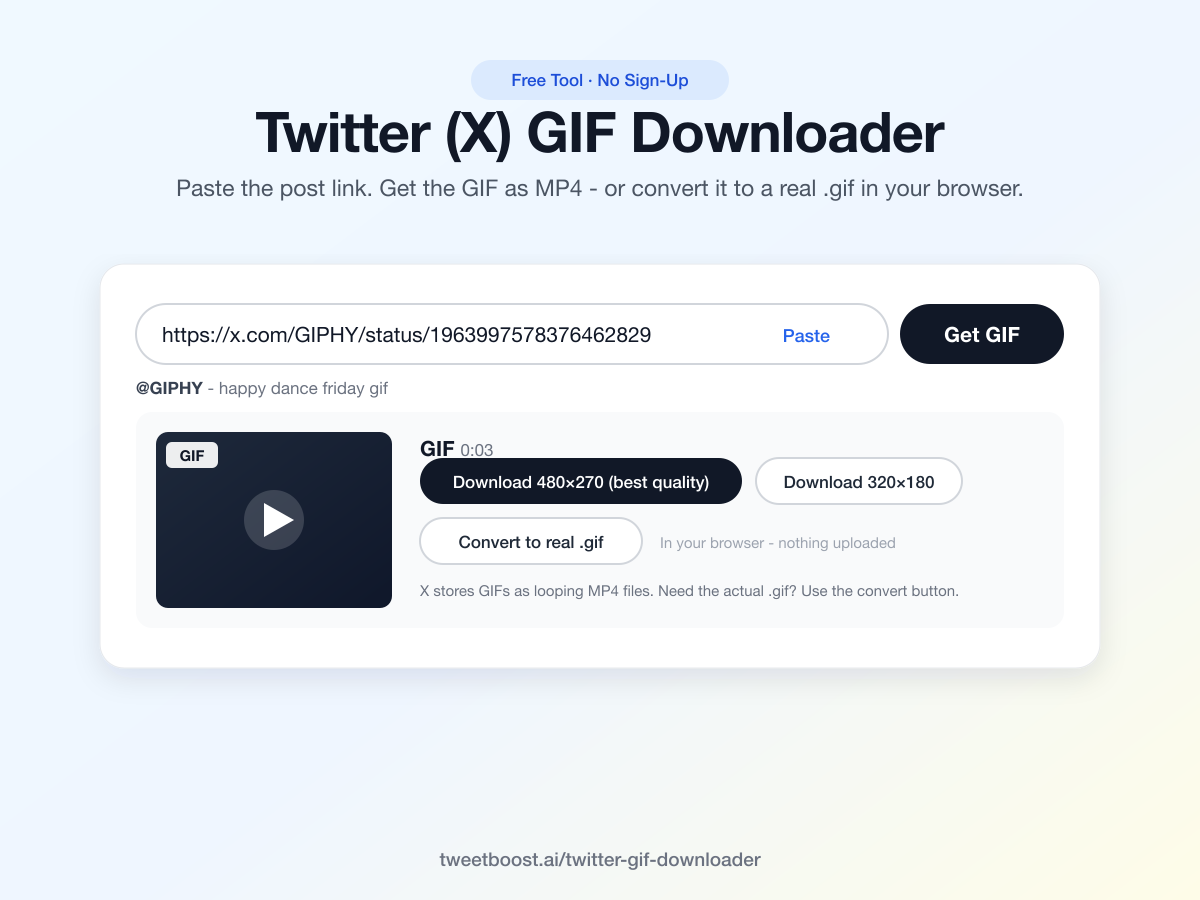
Paste the post link. Get the GIF as MP4 - or convert it to a real .gif right in your browser.
A free tool by TweetBoost, the X growth service behind 5,000+ accounts.
Free, no sign-up, nothing stored. Download only content you have the right to save - respect creators' copyright. Works with public posts; private accounts are not accessible.
How to Download a GIF from Twitter (X)
Copy the post link
On the post with the GIF, tap the share icon and choose "Copy link". On desktop, copy the URL from the address bar.
Paste it above
Drop the link into the box - the Paste button grabs it straight from your clipboard.
Download
Click Get GIF, then the download button. The file saves in the best quality X provides.
Why Twitter GIFs Are Secretly MP4s
Every GIF uploaded to X gets converted to a looping MP4 video on the spot. It's not a trick - MP4 files are roughly 10× smaller than real .gif files at the same quality, which is why your feed loads fast.
So when you save a "GIF" from X, an MP4 is the original, full-quality file - it loops, it plays everywhere (iMessage, WhatsApp, Discord, every video editor), and it looks better than any .gif conversion would. For the places that strictly require GIF format - Slack emoji, GIF keyboards, forums - use the Convert to real .gif button: it converts in your own browser with a proper color palette, and nothing gets uploaded to any server.
Convert X (Twitter) Videos and GIFs to a Real .GIF
This tool is also an X to GIF converter. Paste any post link and hit Convert to real .gif: the MP4 is decoded frame by frame and re-encoded as a genuine .gif with a proper optimized color palette - not a renamed video file. Short videos (up to 30 seconds) convert too, so you can turn a clip from X into a GIF for Slack, Discord emoji, forums, documentation, or anywhere that only accepts GIF format.
The conversion runs entirely in your browser. Nothing is uploaded to any server, there is no queue, no watermark, and no sign-up - your media never leaves your device. You get a ready-to-use .gif in seconds, sized around 480px wide at 12 fps, the sweet spot between quality and file size for messaging apps.
TweetBoost's day job is growing X accounts with real, audited followers - the free tools are how we introduce ourselves. If you want your GIFs seen by more people, you can buy Twitter followers that are audited from Day 0, or compare plans and pricing.
GIF Downloader: Questions & Answers
How do I download a GIF from Twitter (X)?
Open the post with the GIF, copy its link (share icon → "Copy link"), paste it into the box above, and click Get GIF. You'll see a preview and a download button - one click and it's saved to your device.
Can I get a real .gif file, not an MP4?
Yes - click "Convert to real .gif" next to the download button. The conversion runs entirely in your browser (nothing is uploaded anywhere), takes a few seconds for a typical GIF, and produces a proper .gif file that works wherever MP4s don't - Slack emoji, GIF keyboards, forums, email signatures.
Why does X store GIFs as MP4 files?
Every GIF uploaded to X gets converted to a looping MP4 on the spot - MP4s are ~10× smaller at the same quality, which is why feeds load fast. The MP4 we give you is the original, best-quality file; the .gif conversion is there for the places that strictly require GIF format.
Does it work on iPhone and Android?
Yes. The tool runs in the browser, so it works the same on iOS, Android, Mac, and Windows. On iPhone the file lands in your Files app (or tap-and-hold the preview to save to Photos); on Android it goes straight to Downloads.
Is this GIF downloader free? Is there a watermark?
Completely free, no sign-up, no watermark, no limits beyond fair use. We build free X tools because our main business is growing X accounts - some of the people who use them become customers. That's the whole model.
What is the fastest way of downloading GIFs from Twitter in bulk?
One at a time, but fast: each download takes one paste and one click, so a thread of GIFs is a minute of work. Keep this tab open and paste post links back to back - there is no queue limit and no rate cap for normal use. For saving a GIF from a reply or a quote post, use that reply's own permalink (tap the timestamp to get it).
Can I download GIFs from private accounts?
No. The tool can only access public posts - private-account media is protected by X and no downloader can (or should) reach it.
Is it legal to download GIFs from X?
Downloading for personal use is generally fine; the content still belongs to its creator. Don't re-upload other people's media as your own, and get permission before using it commercially.
More Free X Tools from TweetBoost
Embed This GIF Downloader on Your Site
Run a forum, a Discord community site, a fan page or a newsroom wiki? Drop the downloader into any page with one snippet. It stays free, stays watermark-free, and converts in your readers' browsers - nothing passes through your server or ours.
Preview
Grow Your X Account
Downloading GIFs is the fun part - getting your own posts seen is the work. When you are ready, TweetBoost grows accounts with real, audited Twitter followers, explains exactly how to assess blue-check followers, and publishes live engagement benchmarks from thousands of audits so you can see where your account stands first.
Posting GIFs Is Easy. Getting Them Seen Is the Hard Part.
TweetBoost grows X accounts with real, active followers - audited on Day 0 and Day 30, no password needed. The free audit shows where your account stands right now.